
Convert YouTube videos to MP3
Paste any YouTube link and get clean, high-bitrate MP3 audio in moments — free, no signup, right in your browser.
- ✓ 100% Free
- ✓ No sign-up
- ✓ High bitrate
- ✓ Works on any device
💜 Donate $5+ and we'll turn off all ads for a year 💜 Ad-free supporter mode — thank you!
ℹ️ Ads keep UtubeMP3 free — quick tips to get the most out of the site
UtubeMP3 has no paywall and no account system. The ads you see are what pay for the servers, so everything stays free with no sign-up. A few tips so they never get in your way:
- A sponsor tab or popup may open the first time you click or tap. Just close it and come back — your conversion keeps running right here and nothing is lost.
- The real controls are the ones in the converter box above. Anything labeled “sponsored” is an ad, and no feature here ever requires clicking one.
- On ad pages, stay safe: if one claims “your download is ready”, asks you to install software, or requests personal details — just close it. Your MP3 only ever downloads from this page, and we never ask for personal info.
- Prefer no ads at all? Donate $5+ and ads switch off for a full year.
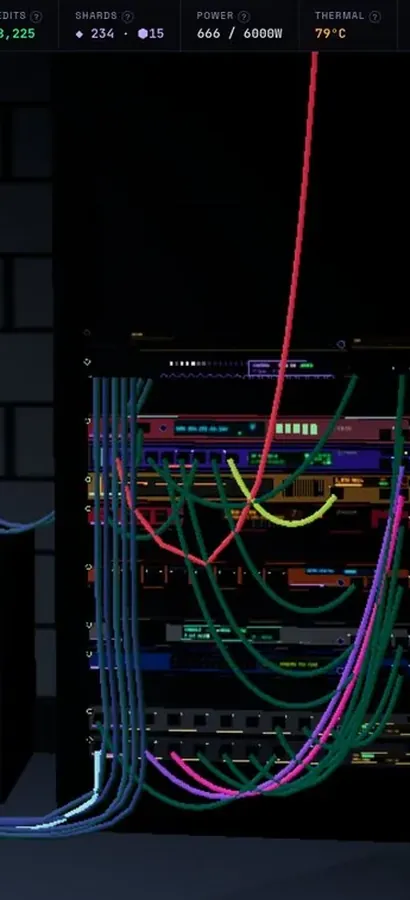
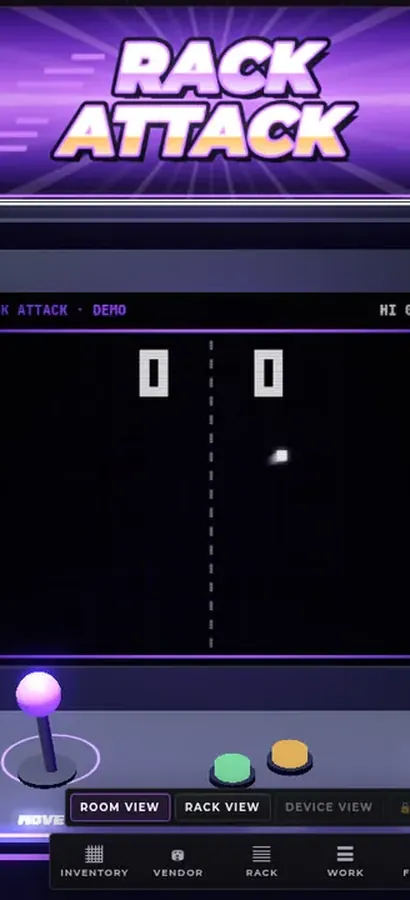
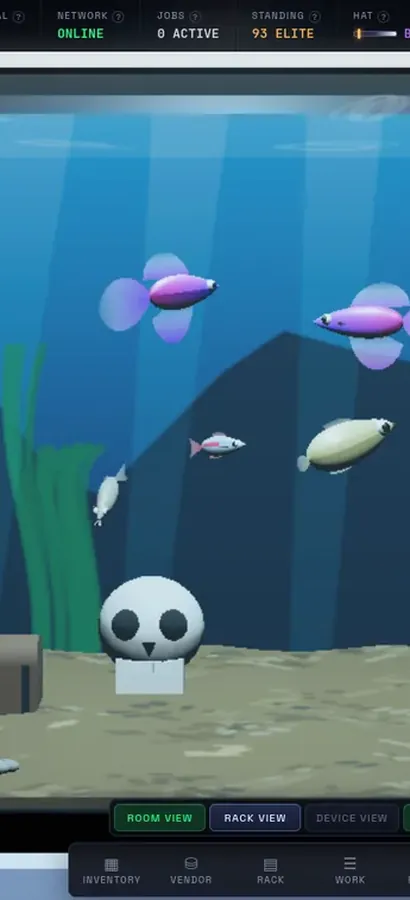
Now in 3D.
Silicon Pirates is a free server-rack simulator you play in your browser, and your lab is a 3D room now. Rack the hardware, run the cables, bring your network online, open every machine at the workbench, mine crypto and keep it all running. Nothing to install.
operator@rack-01:~$ rack status --all ▶ Play Silicon Pirates freeDesktop & mobile · free accountOur own game, not a sponsored ad. What is Silicon Pirates? →
How it works
Three simple steps — no software, no account.
Copy the link
Find your video on YouTube, TikTok, SoundCloud or any supported site and copy its URL.
Paste & convert
Paste the link into the box above and press Convert. We handle the rest.
Download MP3
When it’s ready, click Download and enjoy your audio anywhere.
Turn your MP3 into a ringtone
Just made an MP3? Trim it, add fade & bass, and set it as your ringtone or text tone — free, for iPhone (M4R) & Android (MP3).
Open the Ringtone Maker →Why UtubeMP3
Everything you need, nothing you don’t.
Highest quality
We always pull the best available bitrate for clean, crisp audio.
Fast & simple
Most conversions finish in moments — just paste, convert, download.
1,000+ sites
YouTube, TikTok, SoundCloud, Instagram, Facebook, Reddit and many more.
No limits
No accounts, no emails, no caps. Works on phone, tablet and desktop.
Your recent conversions
Saved in this browser only — convert them again in one click.
Recent Conversions
The community’s latest tracks — vote for your favorites.
The free online YouTube to MP3 converter that just works
Paste any YouTube link above and UtubeMP3 converts from YouTube to MP3 online — extracting the audio as a clean, high-bitrate MP3 — up to 192 kbps, the best quality YouTube's own audio streams provide. There's no account to create, no app to install, no watermarks, and no daily caps: convert one video or fifty. Everything runs from your browser on any device — iPhone, Android, tablet, or desktop.
How to convert a YouTube video to MP3
1) Copy the video's link from YouTube (tap Share → Copy link on mobile, or copy the address bar on desktop). 2) Paste it into the box above and hit Convert — we fetch the video, pull the highest-quality audio track, and encode it to MP3. 3) Click Download MP3 and the file saves straight to your device. Most conversions finish in under ten seconds; long mixes and podcasts take a little longer.
Why people pick UtubeMP3 over other YT to MP3 sites
Most converter sites bury the button under fake "Download" ads or nag you to install an extension. UtubeMP3 is a single honest page: paste, convert, download. We show a live status banner if YouTube-side changes ever cause failures (instead of leaving you guessing), we keep a community leaderboard of recent conversions, and supporters can even switch ads off entirely. The converter also handles SoundCloud, X / Twitter, Facebook and 1,000+ other sites.
Please only download audio you have the right to save — your own videos, Creative-Commons and copyright-free music, podcasts, lectures, and other content whose owners permit offline listening. By using UtubeMP3.net you agree to our Terms of Use.
YouTube to MP3 — common questions
Is this YouTube to MP3 converter really free?
Yes — 100% free, no signup, no caps, no watermarks. The site is supported by ads, and a voluntary $5 donation turns ads off for a year if you prefer.
What audio quality do I get?
Up to 192 kbps MP3 — we always pull the best audio stream YouTube provides for that video, so you never get less than the source offers.
Does it work on iPhone and Android?
Yes. The converter runs entirely in your browser, so it works the same on iOS, Android, tablets and desktops — nothing to install.
How long does a conversion take?
Typical songs convert in a few seconds. Long videos, mixes and podcasts can take up to a minute depending on length.
Is YT to MP3 the same thing?
Yes — YT to MP3, YouTube to MP3, "YouTube to MP three", URL to MP3 and YouTube MP3 converter all describe the same thing: converting a YouTube video's audio track into an MP3 file, which is exactly what this page does.
Can I convert a whole playlist?
Not yet — conversions are one video at a time. Your recent conversions are saved in this browser so you can re-download them in one click.