
Convert any video to MP3
High-quality audio from YouTube, TikTok, SoundCloud, Instagram, Facebook and 1,000+ sites — fast, free, and right in your browser.
- ✓ 100% Free
- ✓ No sign-up
- ✓ High bitrate
- ✓ Works on any device
💜 Donate $5+ and we'll turn off all ads for a year 💜 Ad-free supporter mode — thank you!
ℹ️ Ads keep UtubeMP3 free — quick tips to get the most out of the site
UtubeMP3 has no paywall and no account system. The ads you see are what pay for the servers, so everything stays free with no sign-up. A few tips so they never get in your way:
- A sponsor tab or popup may open the first time you click or tap. Just close it and come back — your conversion keeps running right here and nothing is lost.
- The real controls are the ones in the converter box above. Anything labeled “sponsored” is an ad, and no feature here ever requires clicking one.
- On ad pages, stay safe: if one claims “your download is ready”, asks you to install software, or requests personal details — just close it. Your MP3 only ever downloads from this page, and we never ask for personal info.
- Prefer no ads at all? Donate $5+ and ads switch off for a full year.
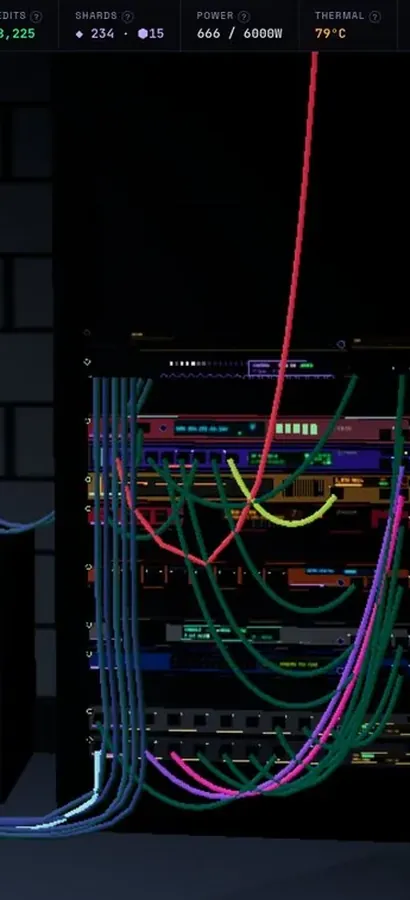
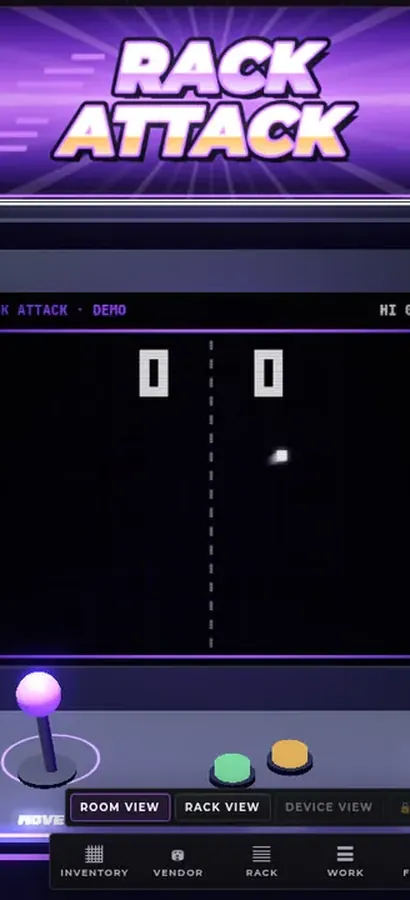
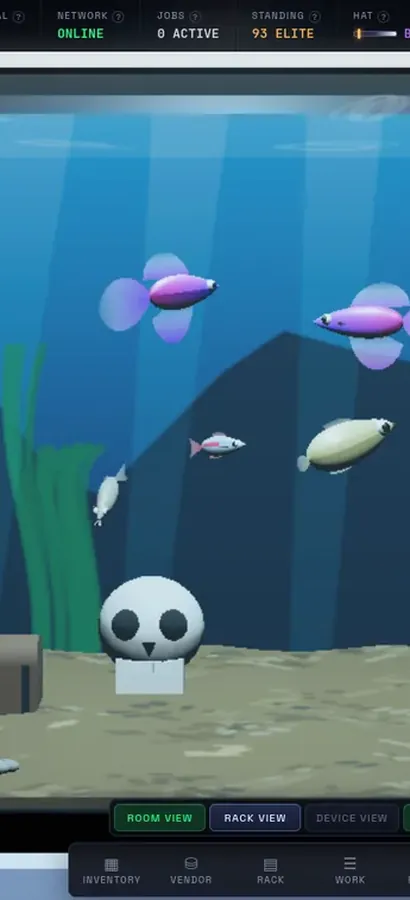
Now in 3D.
Silicon Pirates is a free server-rack simulator you play in your browser, and your lab is a 3D room now. Rack the hardware, run the cables, bring your network online, open every machine at the workbench, mine crypto and keep it all running. Nothing to install.
operator@rack-01:~$ rack status --all ▶ Play Silicon Pirates freeDesktop & mobile · free accountOur own game, not a sponsored ad. What is Silicon Pirates? →
How it works
Three simple steps — no software, no account.
Copy the link
Find your video on YouTube, TikTok, SoundCloud or any supported site and copy its URL.
Paste & convert
Paste the link into the box above and press Convert. We handle the rest.
Download MP3
When it’s ready, click Download and enjoy your audio anywhere.
Turn your MP3 into a ringtone
Just made an MP3? Trim it, add fade & bass, and set it as your ringtone or text tone — free, for iPhone (M4R) & Android (MP3).
Open the Ringtone Maker →Got the file — now send it to your phone
Beam moves photos, videos and music straight from one device to another over your own Wi‑Fi — no app, no cloud upload and no size limit. Works between iPhone and Android.
Open Beam →Why UtubeMP3
Everything you need, nothing you don’t.
Highest quality
We always pull the best available bitrate for clean, crisp audio.
Fast & simple
Most conversions finish in moments — just paste, convert, download.
1,000+ sites
YouTube, TikTok, SoundCloud, Instagram, Facebook, Reddit and many more.
No limits
No accounts, no emails, no caps. Works on phone, tablet and desktop.
Your recent conversions
Saved in this browser only — convert them again in one click.
Recent Conversions
The community’s latest tracks — vote for your favorites.
Free YouTube, TikTok & SoundCloud to MP3 converter
UtubeMP3.net lets you convert videos from YouTube, TikTok, SoundCloud, Reddit, Instagram and 1,000+ other platforms into high-quality MP3 audio — instantly, with no software and no registration. Just paste a link and download your track.
However you say it — YouTube to MP3, YT to MP3, URL to MP3, or even "YouTube to MP three" — it all works the same here: copy a link from any supported site, paste it above, and convert it to MP3 online in seconds. Looking for a dedicated guide? See our YouTube to MP3 converter page.
By using UtubeMP3.net you agree to our Terms of Use. Having trouble? Let us know and we’ll help.
Frequently asked questions
How do I convert a YouTube video to MP3?
Copy the video link, paste it into the converter, click Convert, then click Download to save your MP3.
Can I convert any URL to MP3?
Almost — paste a video or audio URL from YouTube, SoundCloud, TikTok or 1,000+ supported sites and we'll turn that URL into an MP3. Plain web pages without a video or audio stream can't be converted.
Does it work with TikTok, Instagram and SoundCloud?
Yes — paste a link from TikTok, Instagram Reels, SoundCloud and 1,000+ other sites to convert it to MP3.
Is UtubeMP3 free, and is there a limit?
It’s 100% free with no sign-up and no caps — convert as many videos as you like.
What audio quality do I get?
We always use the best available bitrate, up to 192 kbps MP3.
Do I need to install an app?
No. UtubeMP3 runs entirely in your browser on desktop and mobile — nothing to install.
Can I turn a song into a ringtone?
Yes! Convert it to MP3 here, then use our free Ringtone Maker to trim it into an iPhone (M4R) or Android ringtone.
How do I get the MP3 onto my phone?
Use Beam, our free transfer tool. Open it on both devices and the file goes straight from one to the other over your Wi-Fi — nothing is uploaded, there is no size limit, and it works between iPhone and Android.